Import and Export
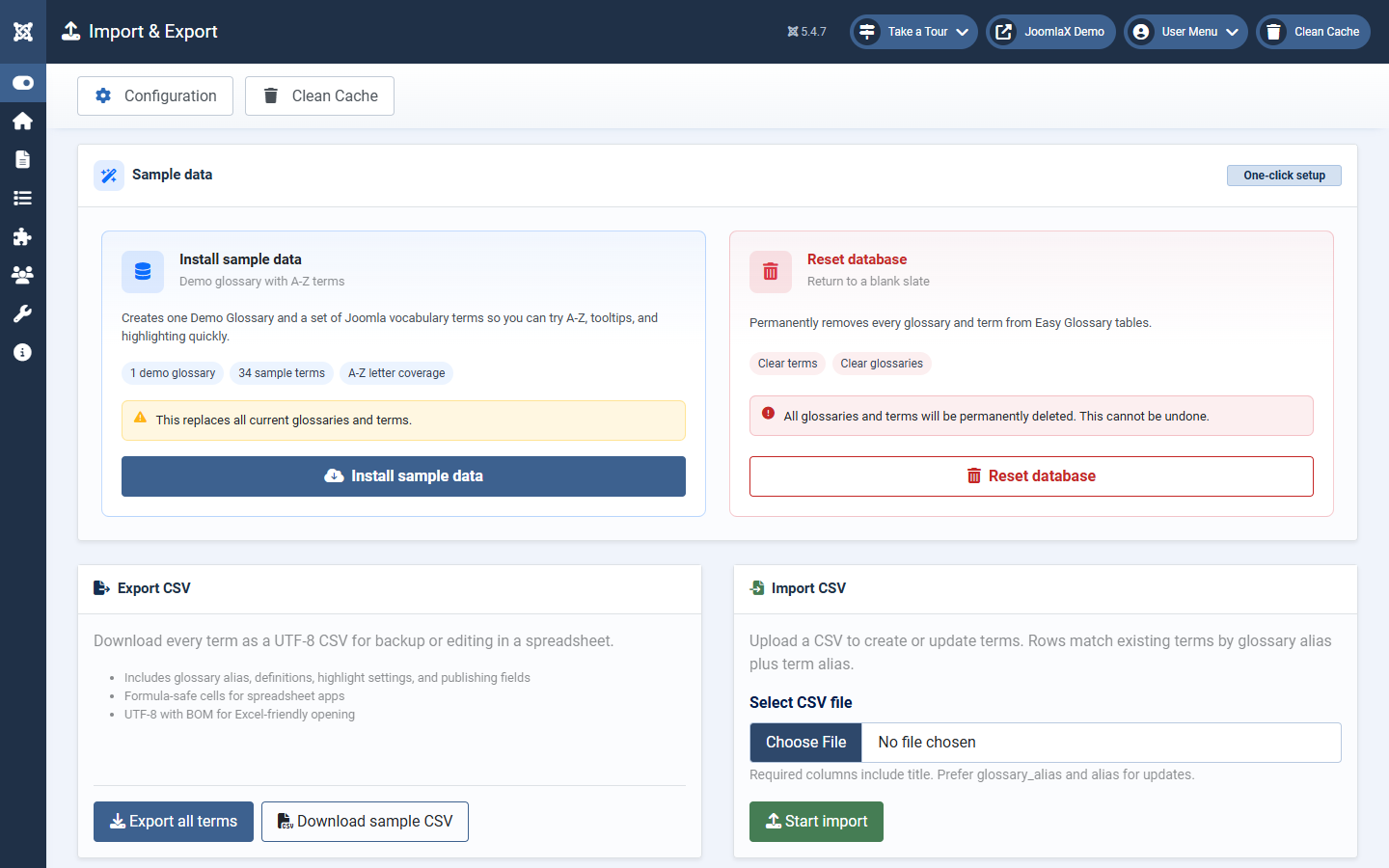
Open Components > Easy Glossary > Import and Export.
Sample data
- Install sample data: deletes current Easy Glossary data, then creates one Demo Glossary and 34 A-Z terms. Confirm in the popup before you continue.
- Reset database: permanently deletes every glossary and term. Confirm in the popup. This cannot be undone.
Export CSV
- Export all terms: download a UTF-8 CSV backup of every term
- Download sample CSV: get a template with the same columns and example rows
Import CSV
- Choose a
.csvfile. - Click Start import.
- Rows match existing terms by glossary alias plus term alias when possible.
Safe workflow: export first, edit offline, import, then check a few terms and clear cache.
Student tip: Use Install sample data on a test site when you want to learn the A-Z page quickly. Do not use Reset on a live site with real content unless you have a backup.