Edit a glossary
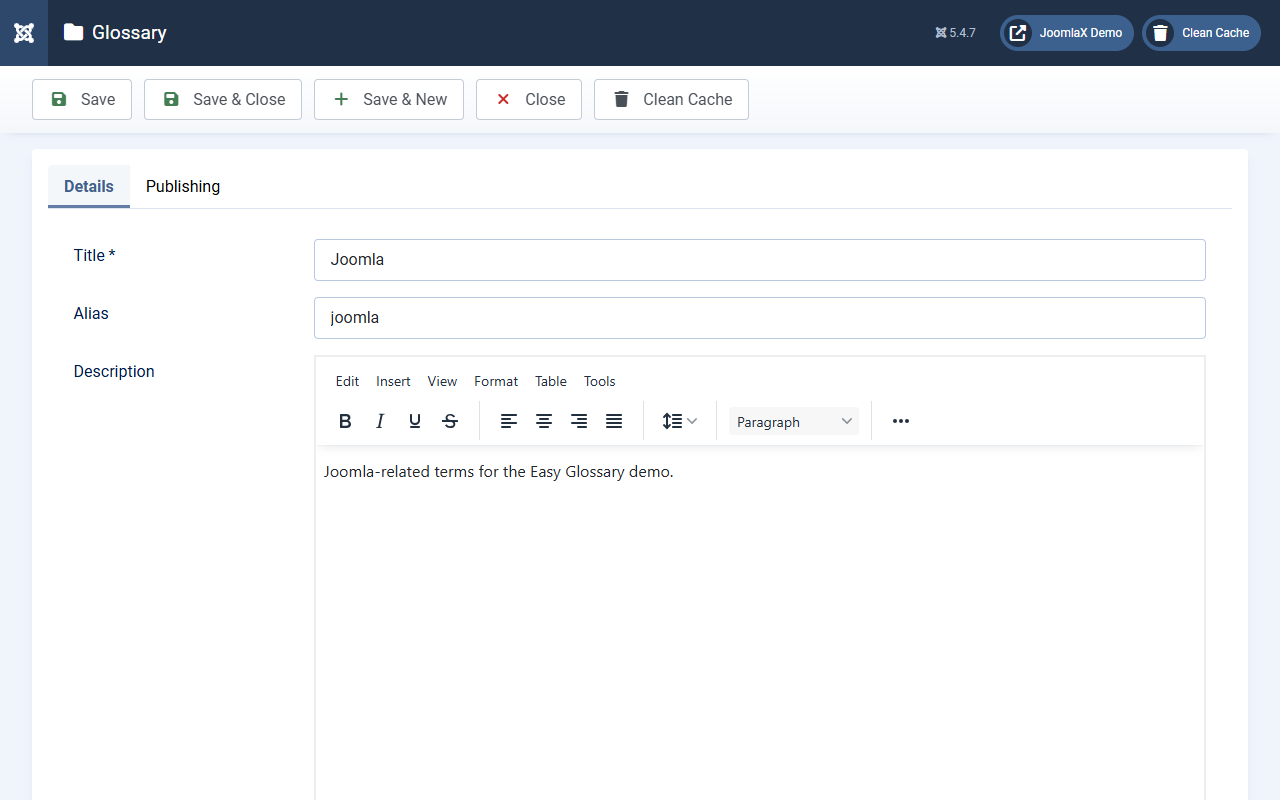
Click a glossary title (or New) to open the form.
Details
- Title (required): for example Joomla
- Alias: leave blank unless you need a fixed URL name
- Description: optional intro on the A-Z page
- Alphabet: letters in the A-Z strip (default A to Z). You can add letters such as Ñ when needed
- Article categories: optional. When set, this glossary only auto-highlights inside those categories
Publishing
- Status: Published or Unpublished
- Access and Language: usual Joomla fields
Click Save or Save & Close.
Student tip: Leave Article categories empty until you need scoping. Empty means the glossary can highlight site-wide (unless the content plugin skips a page).