Enable the plugins
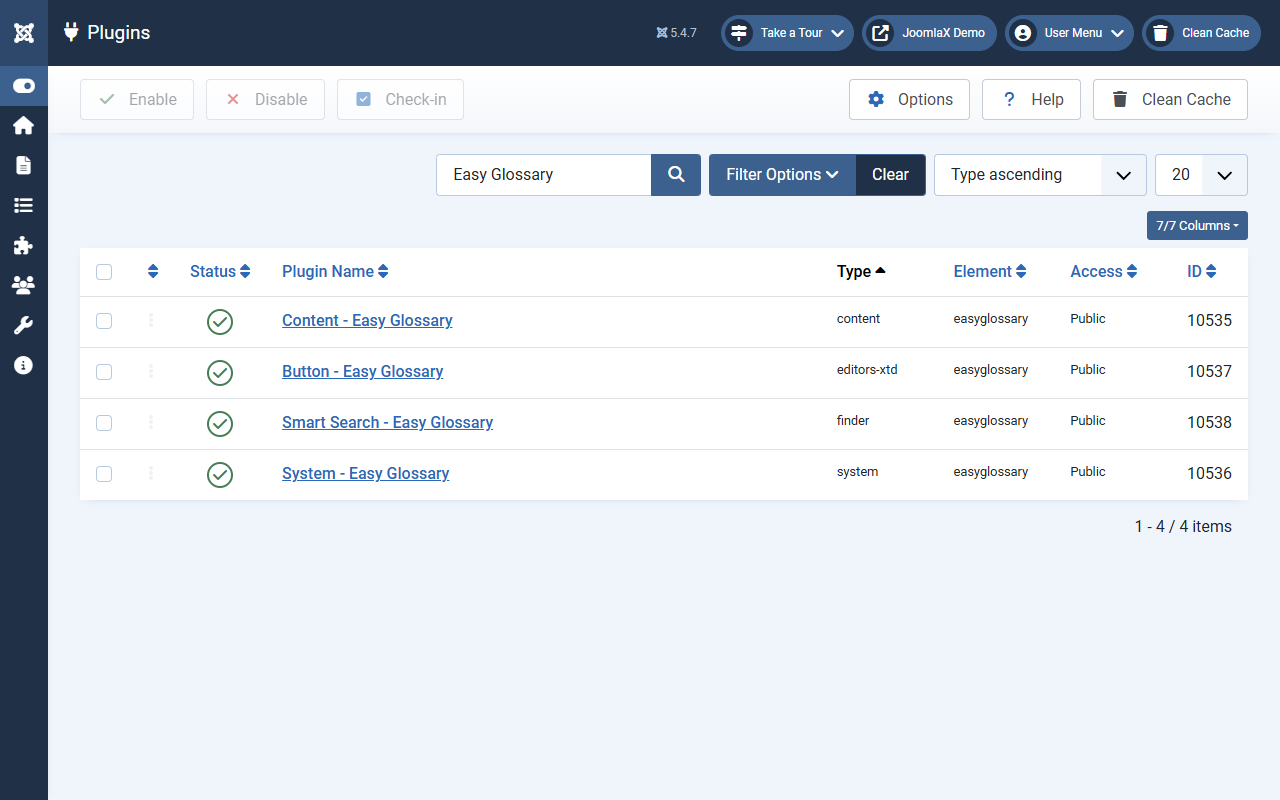
Tips in articles only work when the content plugin is on. Do this right after install.
- Go to System > Plugins.
- Search for Easy Glossary.
- Make sure these show Enabled (green):
- Content - Easy Glossary (needed for tips in articles)
- System - Easy Glossary
- Button - Easy Glossary (editor button)
- Smart Search - Easy Glossary (optional, for site search)
- If one is Off, tick it and click Enable.
- Clear cache.
Student tip: If terms exist but articles never show tips, check this screen first. The content plugin is often Off by mistake.