Add or edit a member
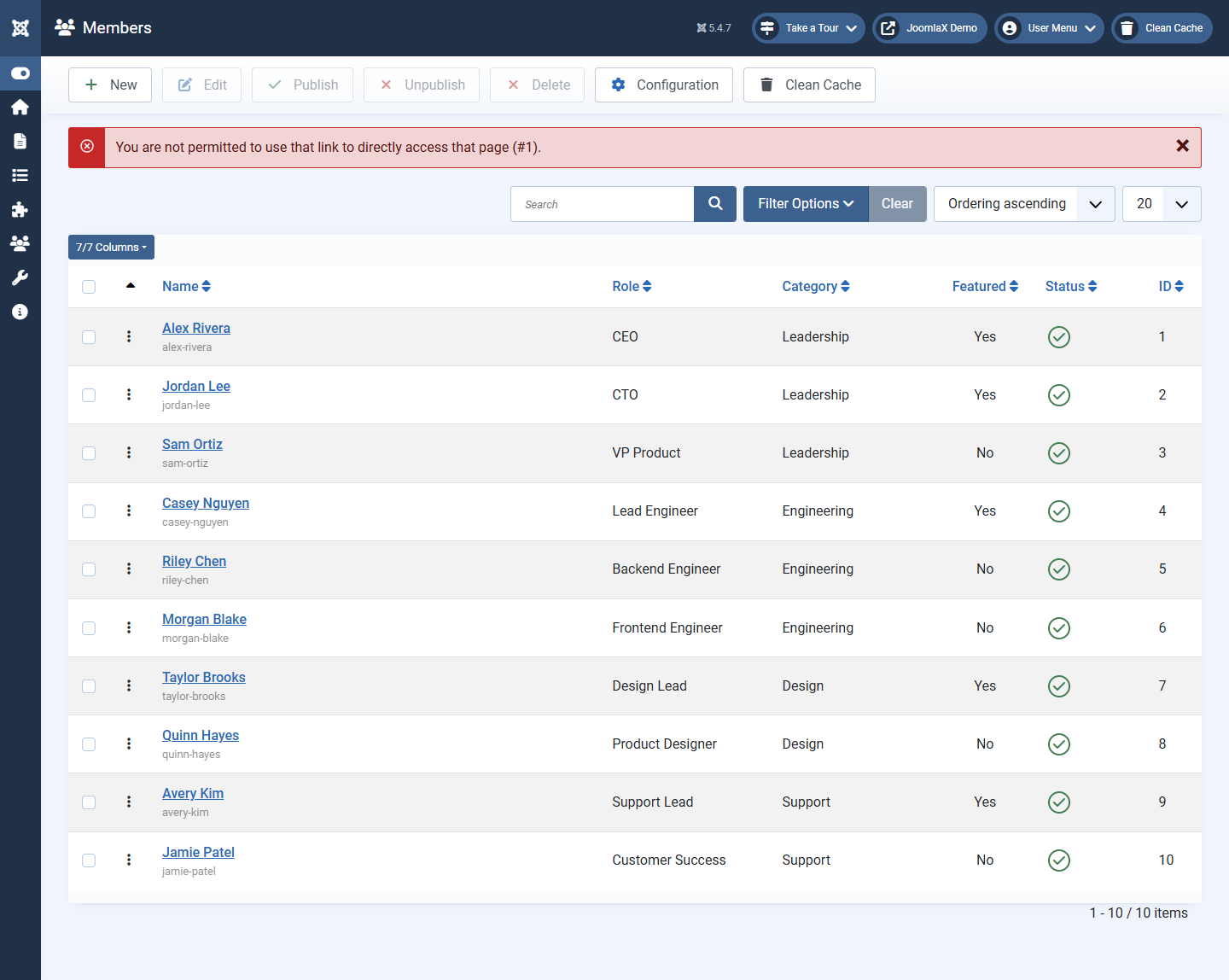
This screen is where one person lives. Work top to bottom.
Profile tab
- Name (required): display name, for example Alex Rivera
- Alias: URL piece for the profile page; leave blank to auto-create
- Sort name: optional name used when sorting A to Z (useful if you sort by last name)
- Photo: click Select, pick an image from Media Manager (folder
images/easy-teamis a good place) - Role: job title under the name
- Secondary role: optional second title
- Category: pick the group, or Uncategorised
- Bio: longer text for the profile and bio modal
- Skills: optional short list
- Location: optional city or office
- Linked user: optional link to a Joomla user account
Contact tab
- Email, Phone, Website: shown as icons when Show Contact is on
Social tab
- Paste full URLs for LinkedIn, X, Facebook, Instagram, GitHub, YouTube, Dribbble, TikTok
- WhatsApp: phone with country code, for example
+15551234567 - Leave unused fields empty so those icons stay hidden
Publishing tab
- Featured: Yes highlights the person in Featured layout
- Status: Published or Unpublished
- Ordering, Access, Language
- Meta keywords / description: optional SEO for the member profile page
Save
Click Save to stay on the form, or Save & Close to return to the list.