Team Directory (front end)
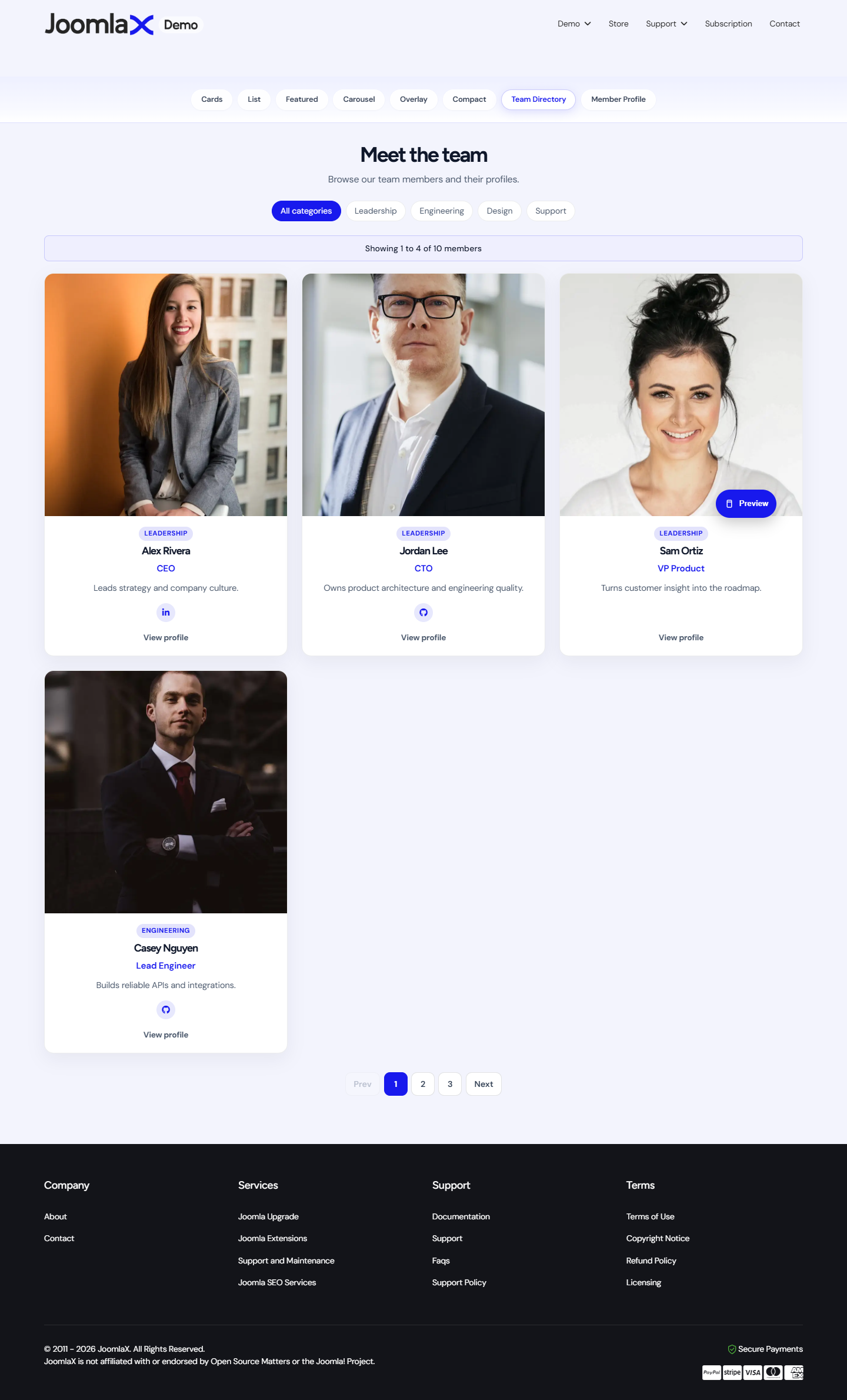
This is the public Team list page from the component.
Create the menu item
- Go to Menus > [Your menu] > Add New Menu Item.
- Menu Title: Team (or any name).
- Click Select next to Menu Item Type.
- Choose Easy Team > Team.
- Publish, assign access if needed, then Save.
What visitors see
- Optional eyebrow, headline, and description from Configuration
- Category filter tabs (when enabled and you have more than one category)
- Member cards using your chosen layout and theme
- Result count and pagination (pages or infinite scroll)
Click behaviour
- If Link members is Yes, a click opens the member profile page
- If Link members is No and Bio modal is Yes, a click can open a popup bio
- Social icons always open their own URLs