Categories
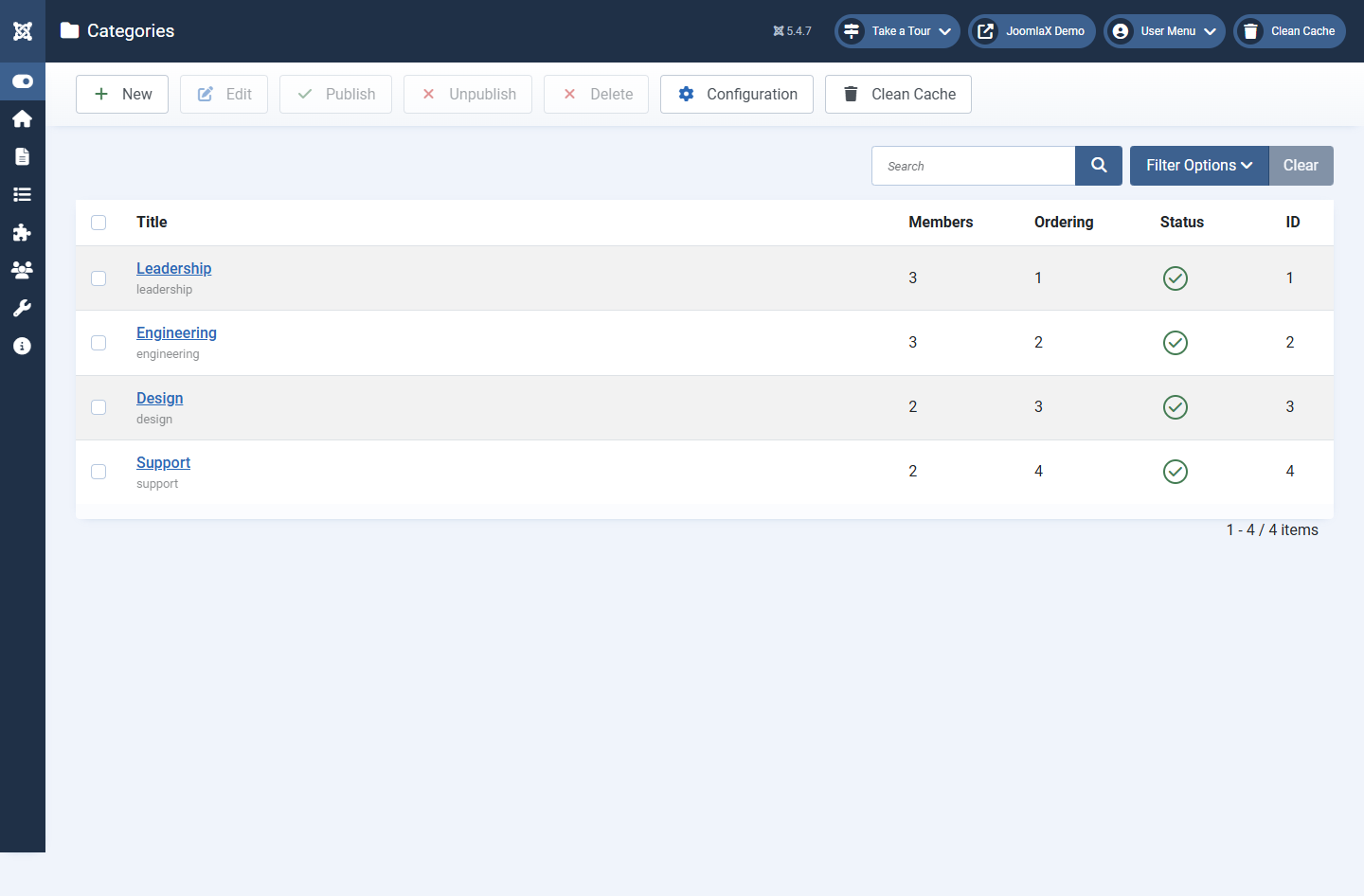
Categories group people (for example Leadership, Engineering, Design, Support).
Open the list
- Go to Components > Easy Team > Categories.
- Use Search to find a title quickly.
- Click a title to edit, or click New.
When you create or edit a category
- Title: the name visitors see on filter tabs
- Alias: used in URLs; leave blank and Joomla builds one from the title
- Description: optional notes for you
- Published: only published categories appear in filters and member forms
- Ordering: controls the order of filter tabs
Why categories matter
- On the Team Directory page, visitors can click a category filter
- In the module (From component), you can show only selected categories
- Each member can belong to one category