Members list
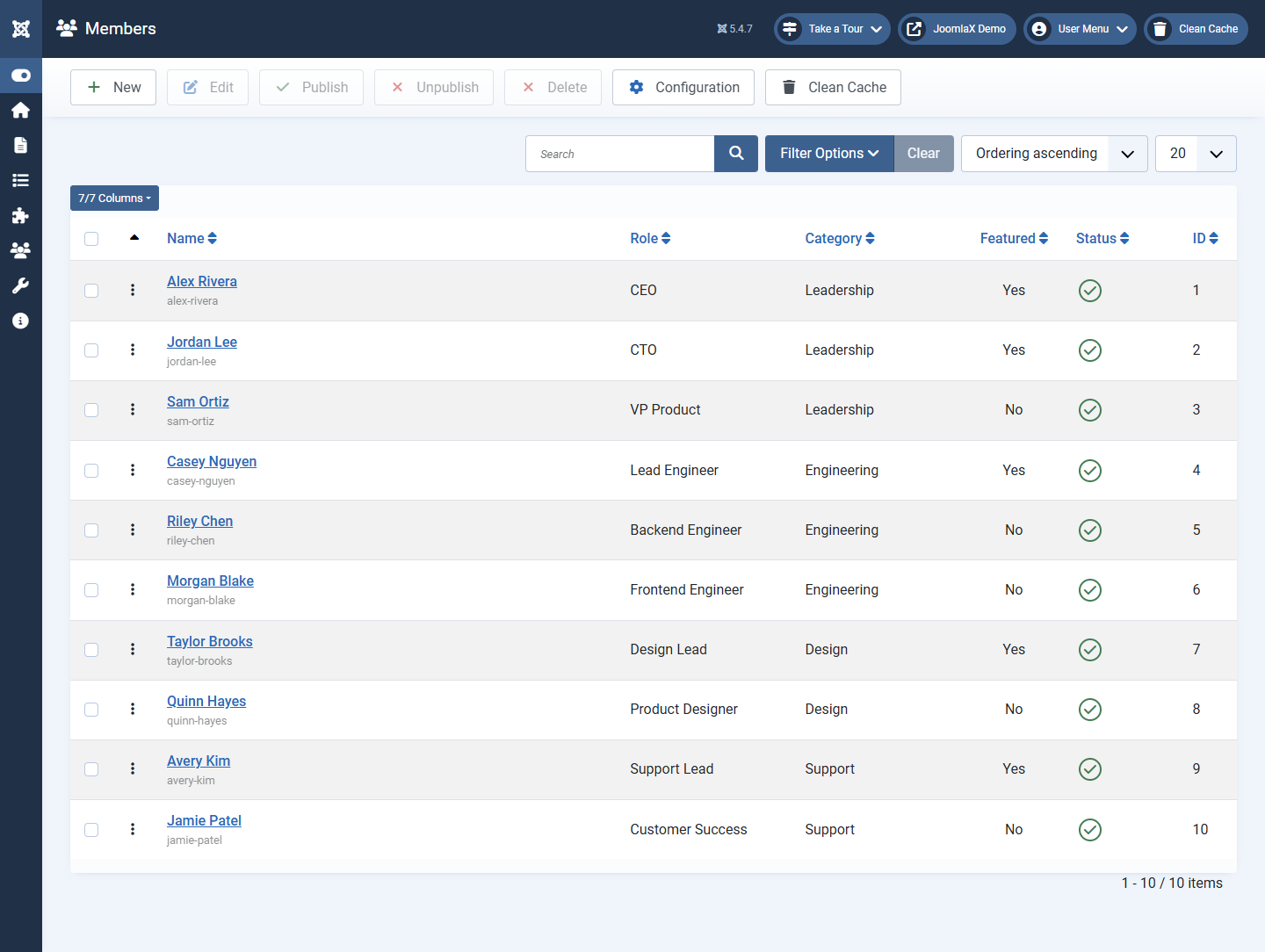
Open Components > Easy Team > Members.
List tools
- Search: find someone by name
- Filters: narrow by published state or category when available
- Ordering: drag or set numbers so people appear in the order you want
- Featured: mark VIP people for the Featured layout
- Publish / Unpublish: hide someone without deleting them
Add a person
- Click New.
- Complete the profile (next tab in this documentation).
- Save.
Student tip
Unpublished members do not show on the website. Use Unpublish for people who left, instead of deleting, if you might need their profile later.