Member profile (front end)
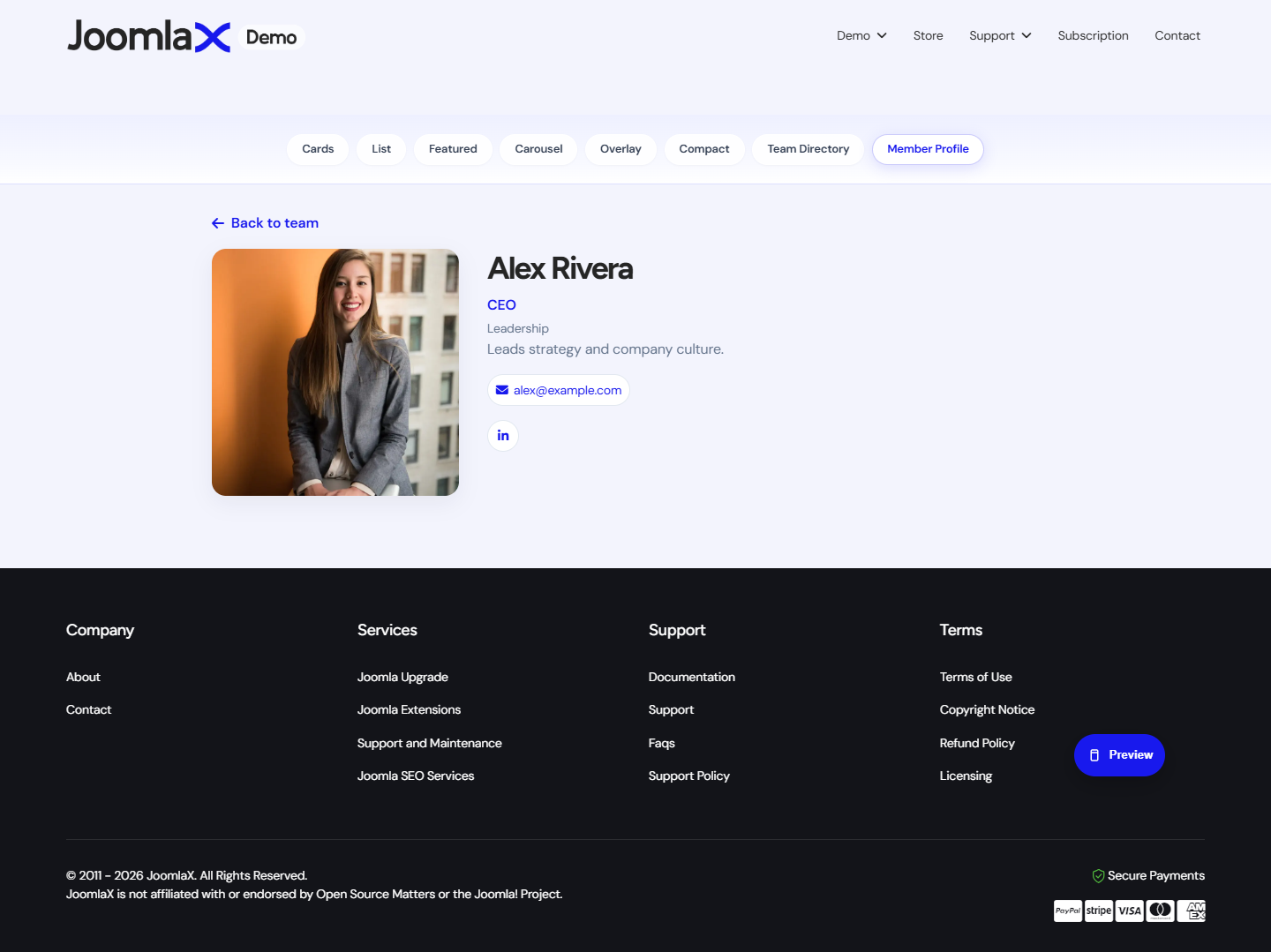
Each published member can have a detail page with photo, role, bio, contact, and social links.
How visitors reach it
- From the Team Directory when Link members is Yes
- From a dedicated menu item of type Easy Team > Member (usually used for demos or a featured person)
Back link
When Show back link is Yes in Configuration, the profile shows a control that returns to the Team list.
Student tip
Always upload a clear photo and write a short bio. A name and role alone look incomplete on a profile page.