Dashboard
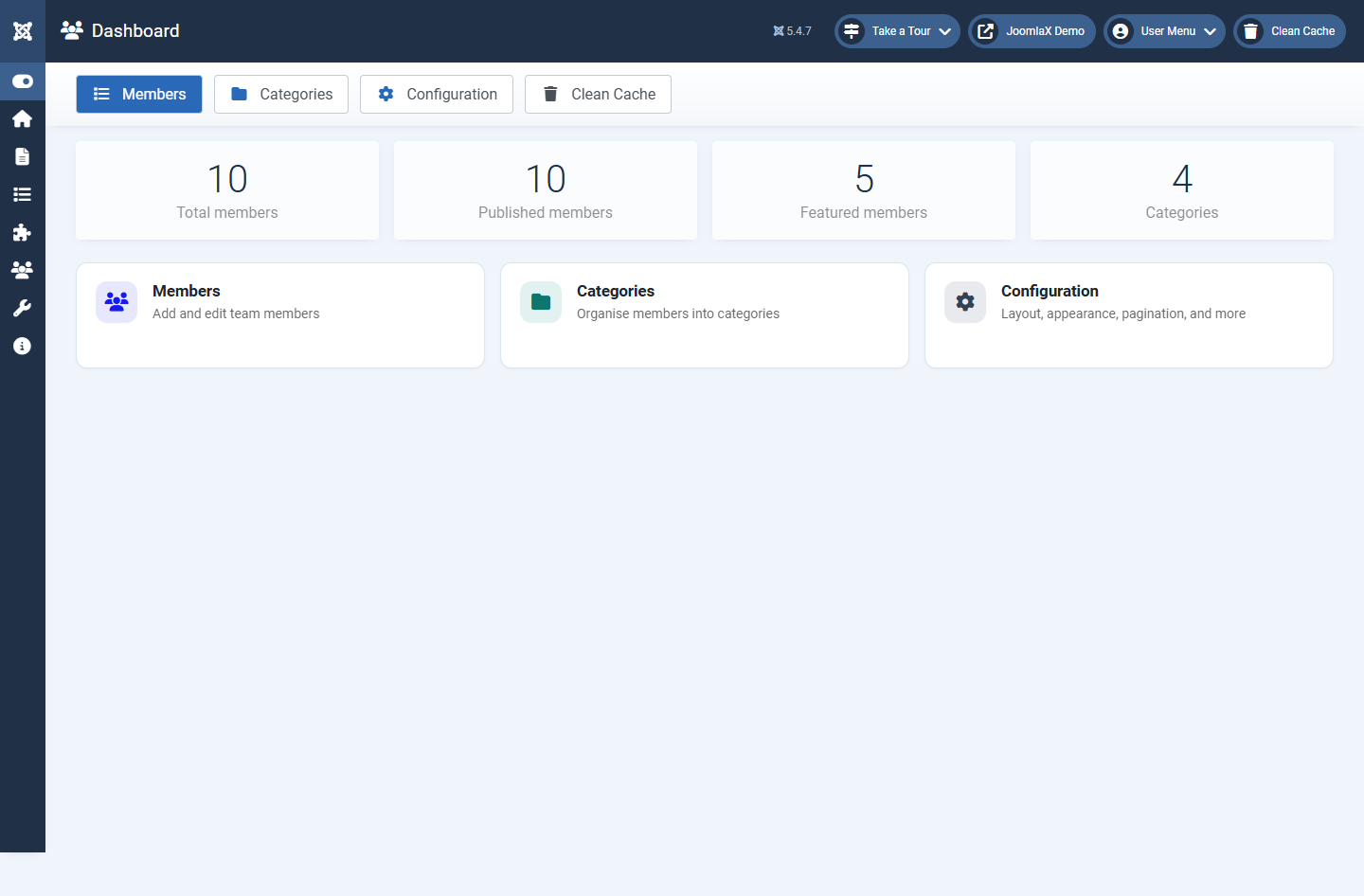
Open Components > Easy Team. The Dashboard is your home screen.
What you see
- Quick buttons: Members, Categories, Configuration, Clean Cache
- Count cards: total members, published members, featured members, categories
- Action cards: click Members, Categories, or Configuration to jump straight in
Student tip
If the counts are zero, you have not added data yet. Start with Categories, then Members. Configuration can wait until you have at least one published person.