Create the Easy Team module
Use the module when you want a team block inside a page layout position (header, sidebar, article bottom, and so on).
Create the module
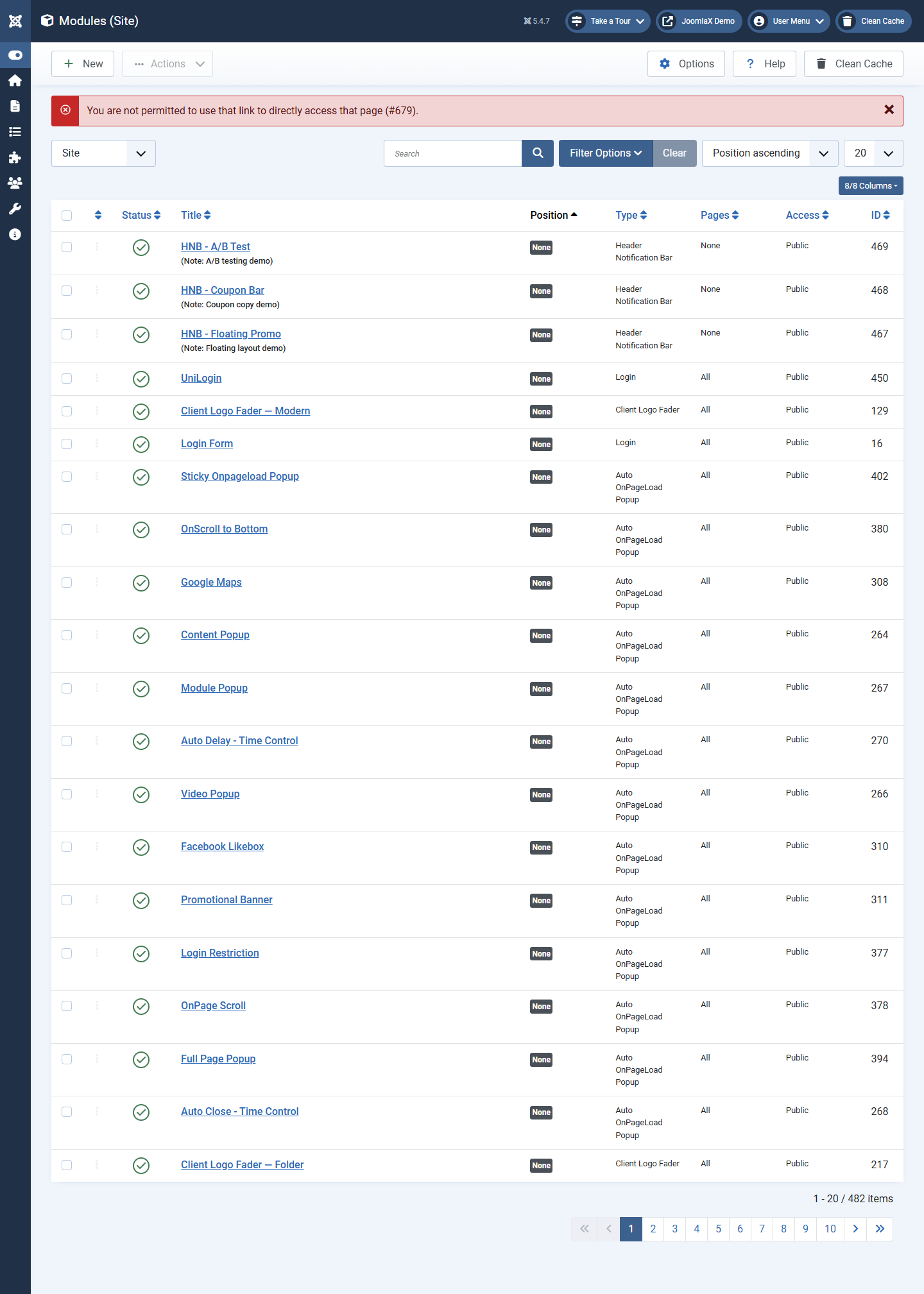
- Go to Content > Site Modules.
- Click New.
- Select Easy Team.
- Give it a Title (example: Home Team).
- Choose a Position that exists in your template.
- On the Menu Assignment tab, choose the pages where it should appear.
- Set Status to Published.
- Click Save.
Data source (most important setting)
- Manual members: add people in the Members tab of the module (small teams)
- From component: load published people from Components > Easy Team
When Data source is From component
- Categories: leave empty for all, or pick specific groups
- Featured only: Yes shows only featured members
- Limit: 0 means no extra limit; otherwise max number to load
- Ordering: Ordering, Name, Sort name, or Random
You still use the Layout and Appearance tabs to control how the module looks.