First setup
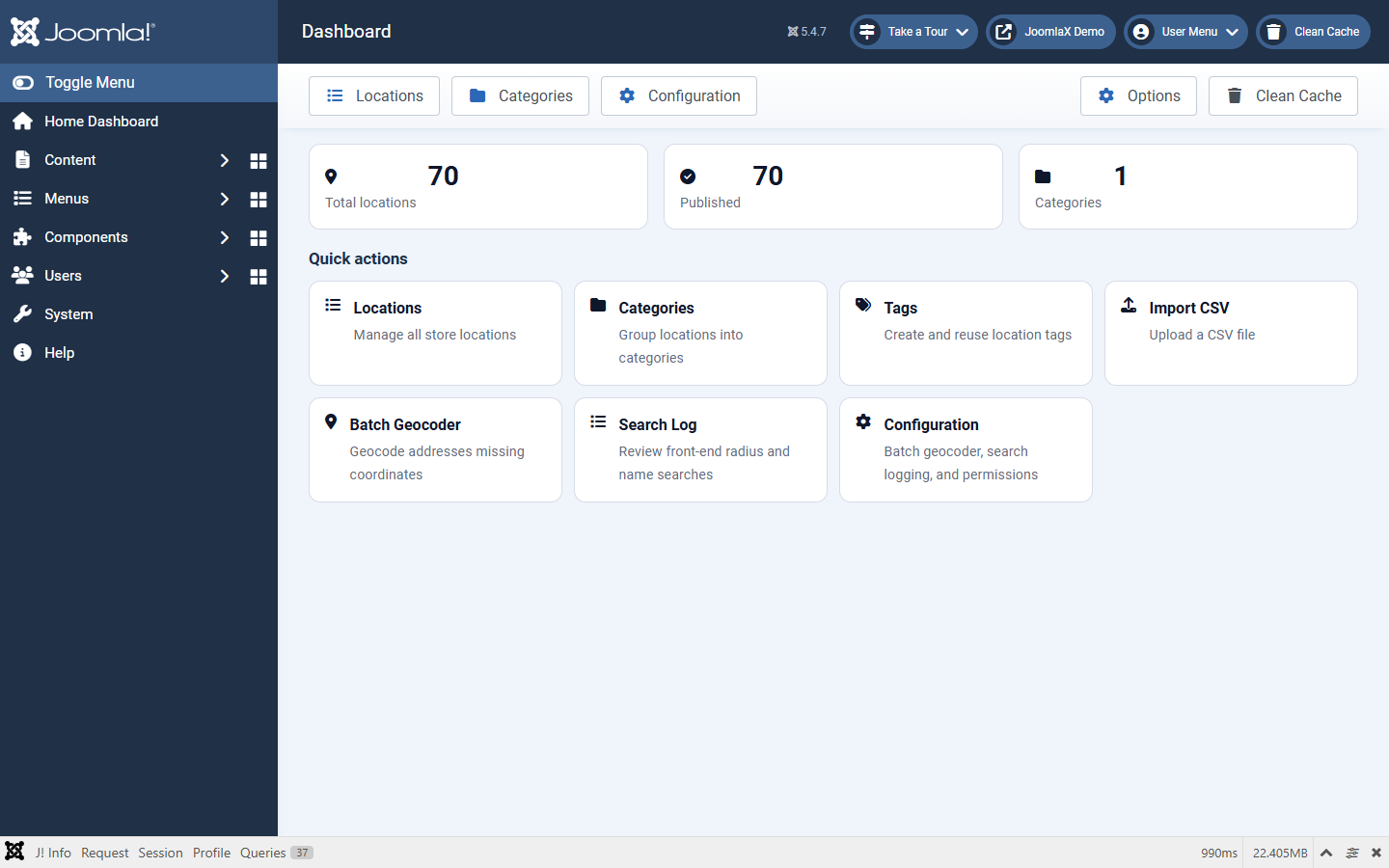
- Open Components > Easy Store Locator.
- Add locations under Locations (or Import CSV).
- If addresses have no coordinates, open Configuration, set the geocode provider, then run Batch Geocoder.
- Optional: create reusable tags under Tags.
- Go to Content > Site Modules > New > Easy Store Locator.
- Set Title, Status Published, and a Position (or load the module in an article).
- Open the Map tab. Set Map provider to Google Maps or OpenStreetMap.
- If Google: paste API key and Map ID (see Google API setup). Enable the APIs listed there first, or the map / search will not work.
- Open Search & Filters and turn on radius search if you want city or ZIP search.
- Save, clear cache, open the front-end page.