Installation
- Download EasyStoreLocator_UNZIP.zip from your purchase email or the Downloads section.
- Extract the UNZIP on your computer. Inside you should see
pkg_store_locator_3.0.0.zipandReadMe.txt. - Important: do not upload the outer UNZIP file to Joomla. Install the package zip.
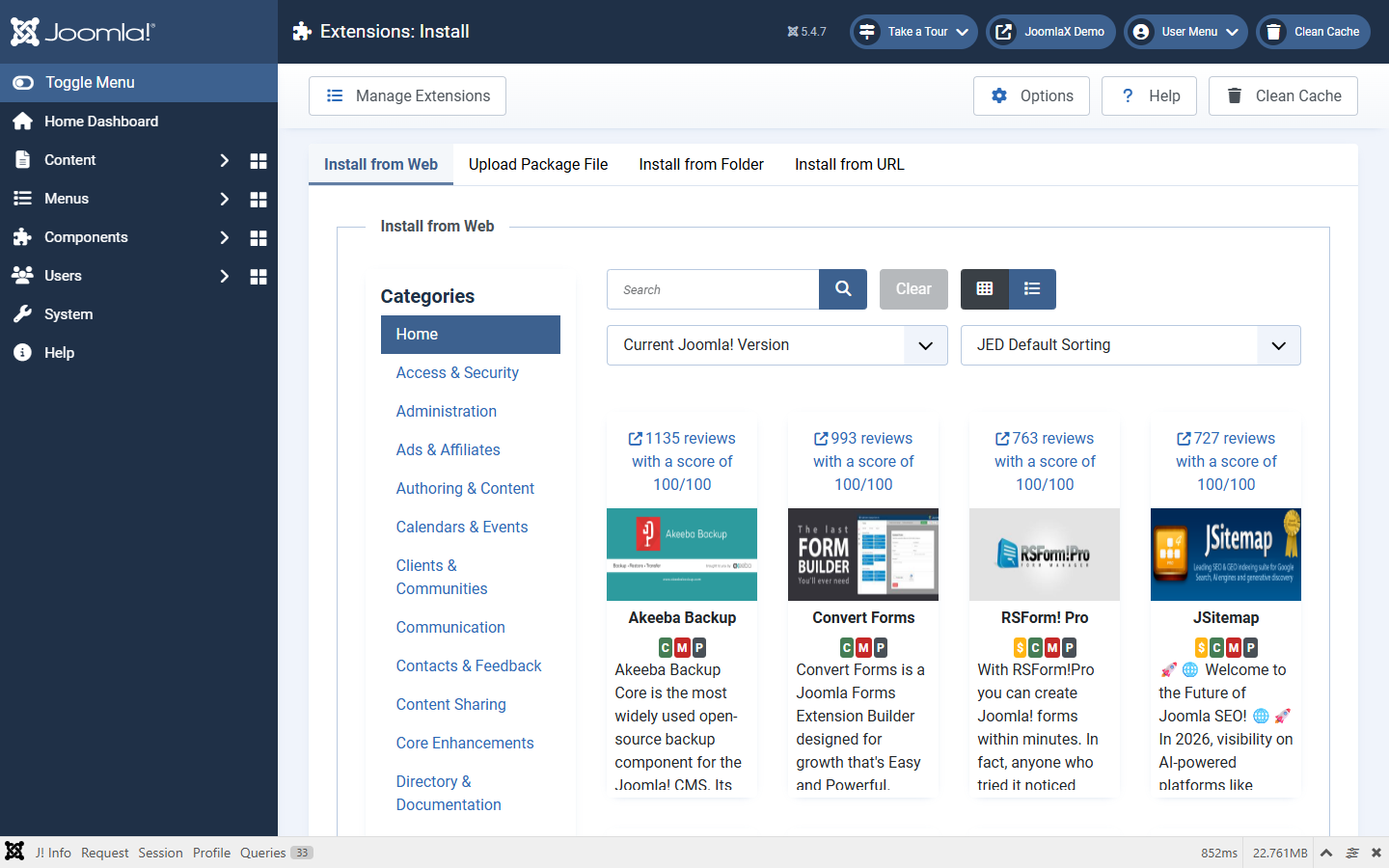
- In Joomla go to System > Install > Extensions > Upload Package File.
- Choose
pkg_store_locator_3.0.0.zipand wait for success. - Open Components > Easy Store Locator to confirm the Dashboard loads.
- System > Maintenance > Clear Cache.
Later updates: install a newer package the same way. Locations and module settings stay.