Import & Geocoder
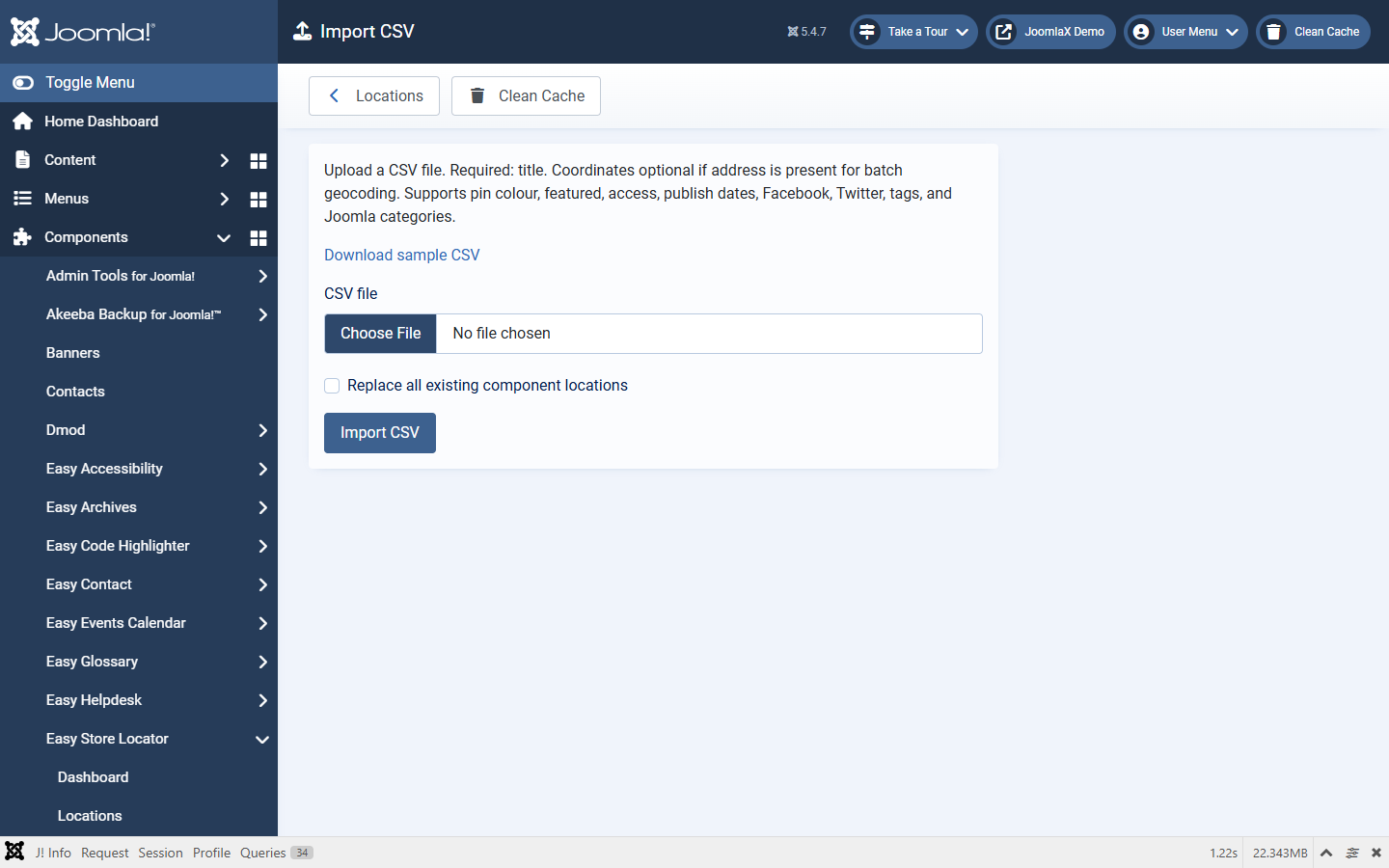
Import CSV
- Open Import CSV (or from the Locations toolbar).
- Download the sample CSV.
- Required column:
title. Coordinates optional when address is present. - Optional: Replace all existing component locations.
- Import, then check pins on the front end.
Supported columns include tag, joomla_category, address, phone, email, website, facebook, twitter, hours, description, latitude, longitude, pin_color, featured, access, published, publish_up, publish_down.
Export CSV is on the Locations toolbar.
Batch Geocoder
- Set provider (and Google server key if needed) under Configuration > Batch geocoder.
- Open Batch Geocoder. It lists locations with an address but no coordinates.
- Run the geocode action and confirm coordinates on the Locations list.
- Google: Geocoding API must be enabled and the Configuration key must be valid, or geocoding fails.
- Nominatim: light use only. Follow usage policy and keep a sensible batch size.