Module: Image source
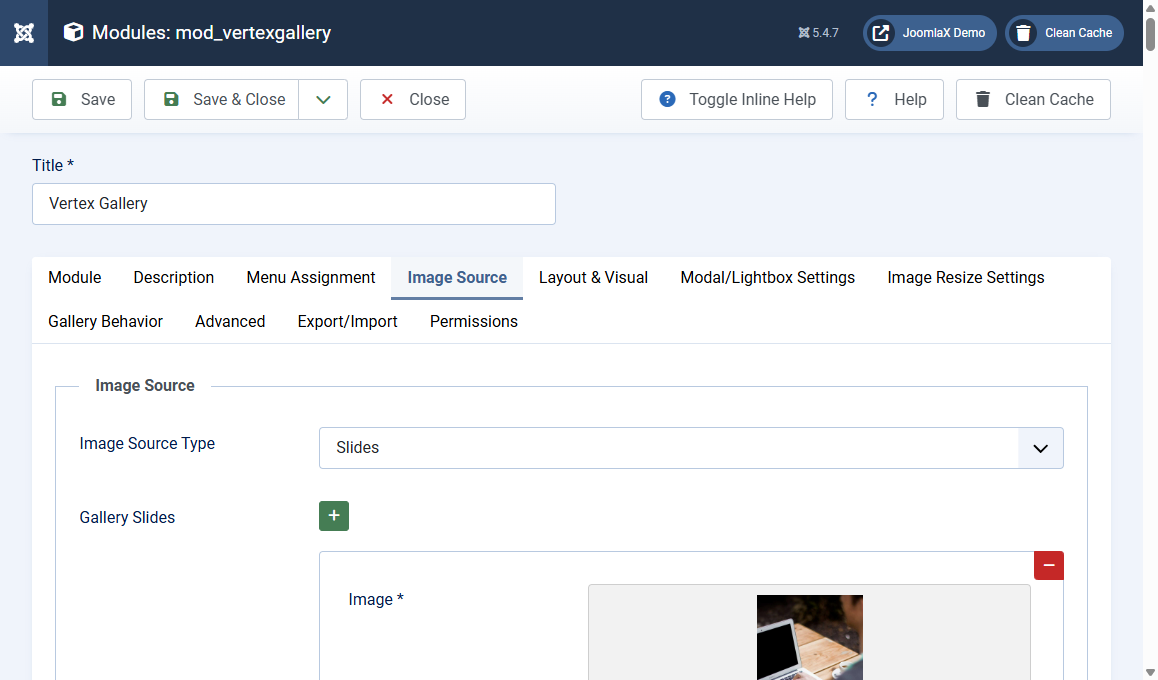
Open the Image Source tab on the module.
Image Source Type = Folder
- Image Folder Path: same rules as the component live folder (one path, several paths, or path|Label)
- Use Subfolders as Filters: each immediate subfolder becomes a filter
- Auto-Generate Titles from Filenames: optional
Image Source Type = Slides
Click the green + to add a slide. For each slide:
- Image (required): pick from Media
- Title (caption)
- Description
- Category (optional filter name)
Use the red minus to remove a slide. Reorder by the subform controls your Joomla version provides.
Layout, lightbox, resize, behavior
These module tabs match the component: Grid or Masonry, columns, gap, captions, filters, modal theme, zoom, WebP, randomize, single image preview, extra CSS. Change one setting at a time, Save, then refresh the front end.
On the site
After the module is published and assigned, visit that page. You should see the same style of grid and lightbox as the component.