Resize, behavior, shortcode
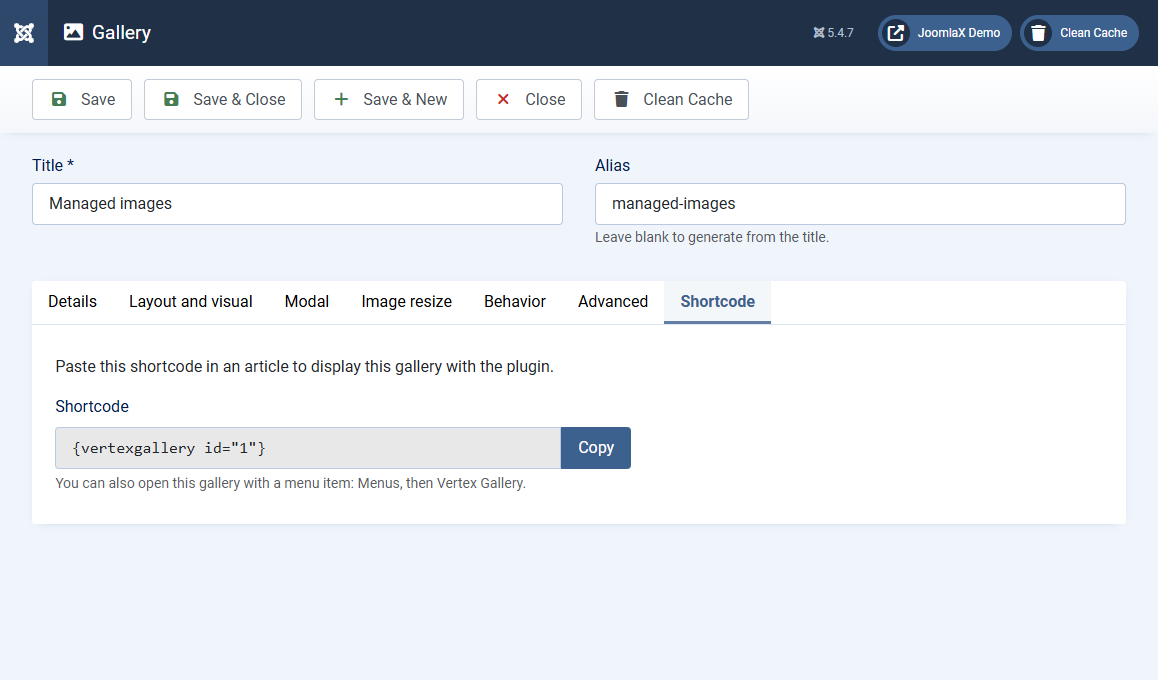
Image resize tab
- Thumbnail width / height: size of grid photos in pixels. Leave empty to use the original. Set only one value to keep aspect ratio
- Modal width / height: size inside the lightbox. Leave empty for original
- Enable WebP: Yes converts resized images to WebP when the server supports it
- WebP quality: 1 to 100. Higher is better quality and a larger file (default 85)
Behavior tab
- Randomize gallery order: shuffle photos on each page load
- Show single image preview: show one photo first, then expand the full gallery on click
Advanced tab
- Gallery class suffix: extra CSS class on this gallery wrapper
- Extra CSS: custom CSS for this gallery only. Use
{gallery_id}to target it, for example#{gallery_id} .vg-card { border-radius: 0; }
Shortcode tab
After you save, this tab shows {vertexgallery id="X"} and a Copy button. Paste it in an article (plugin must be enabled). You can also open the gallery with a menu item: Menus, then Vertex Gallery.
Options (component)
On the Galleries list, click Options. Show gallery title controls whether the gallery title appears as a heading on menu item pages. A menu item can override this.