Shortcodes
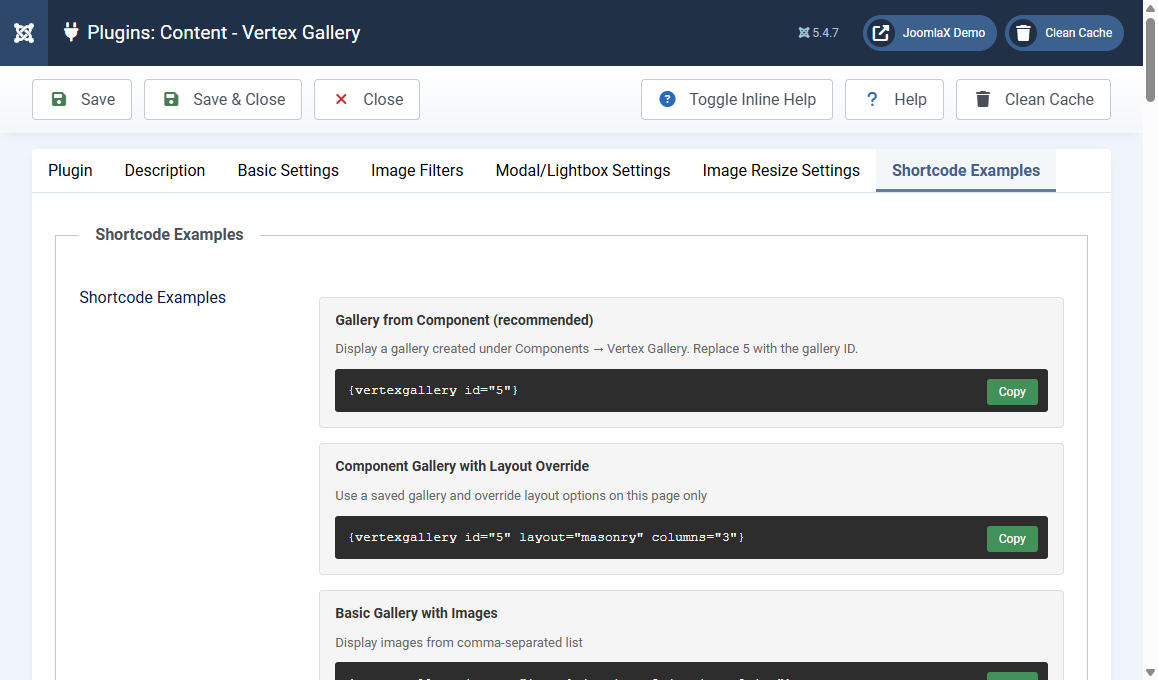
The easiest shortcode uses a gallery you created in the component:
{vertexgallery id="5"}
Replace 5 with the ID from the Galleries list.
Recommended: component ID
{vertexgallery id="5"}
{vertexgallery id="5" layout="masonry" columns="3"}
The second line keeps the saved photos but changes layout on that page only.
Legacy: images list
{vertexgallery images="image1.jpg,image2.jpg,image3.jpg"}
{vertexgallery images="img1.jpg,img2.jpg" titles="Sunset,Mountain" descriptions="Evening light,High peaks" categories="nature,nature"}
Legacy: one folder or several folders
{vertexgallery folder="images/gallery"}
{vertexgallery folders="images/nature,images/urban"}
{vertexgallery folders="images/nature|Nature,images/urban|City Life"}
Useful attributes
- layout: grid or masonry
- columns: 3 or 1,2,3
- gap: pixels, example 20
- maxwidth: example 1200px
- caption: always, hover, or hide
- filter: 0 hides category buttons
- modal: 1 or 0
- modal_theme: dark or light
- corners: rounded or flat
- accent: example #ff6b6b
- thumbwidth / thumbheight, modalwidth / modalheight
- randomize: 1
- show_single_image: 1
The plugin Shortcode Examples tab has Copy buttons for every pattern. Change one attribute at a time so you can see what it does.