Which tool do I use?
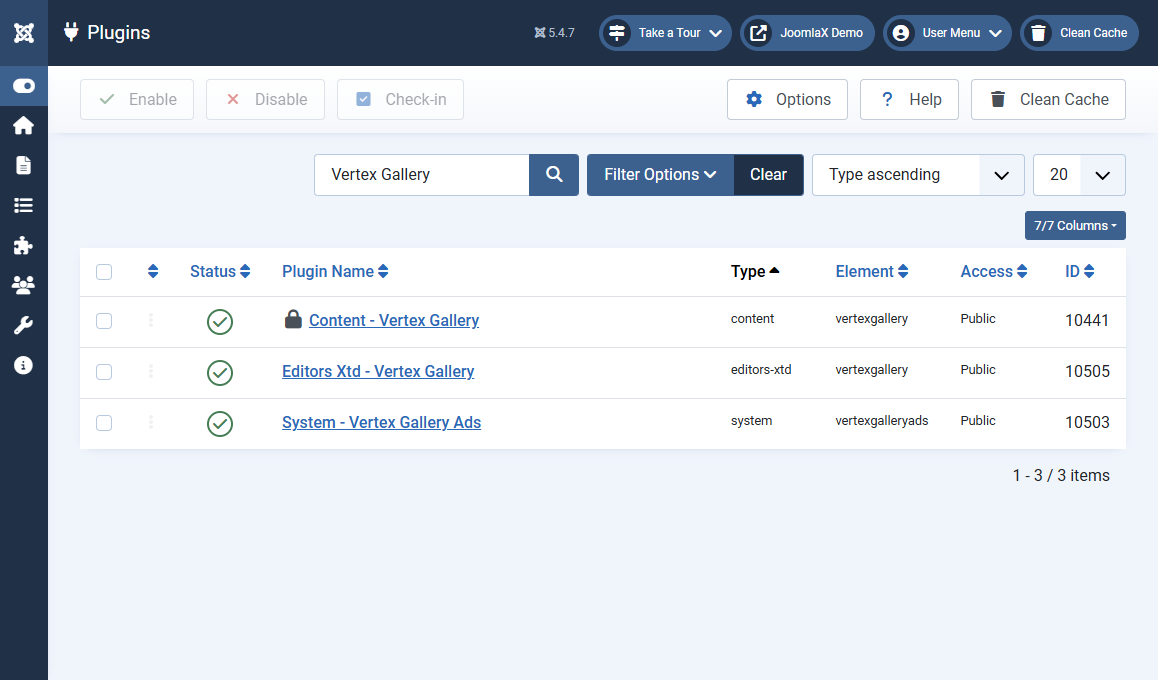
Pick the tool that matches the page you are building. You can use more than one on the same site.
Use the component (recommended starting point)
- You want a photo library you can reuse
- You will show the same gallery in an article and on a full page
- You want captions, order, and categories under your control
Use the content plugin
- You want the gallery inside article text
- You already have a gallery ID, or you still use folder / images shortcodes
- Must be enabled or the shortcode prints as plain text
Use the editor button
- You do not want to memorise shortcodes
- You want to search existing galleries (including when you have many)
- You want to create a full component gallery without leaving the article
Use the module
- You want a gallery in a template position, not inside article body
- Home page, sidebar, or footer blocks
- Folder or slides live in the module settings (they do not have to use a component ID)
Simple rule
- Reuse photos in several places: component + shortcode or menu item
- One block on one page layout: module is enough
- Writing an article: editor button is the easiest path