Frontend menu items
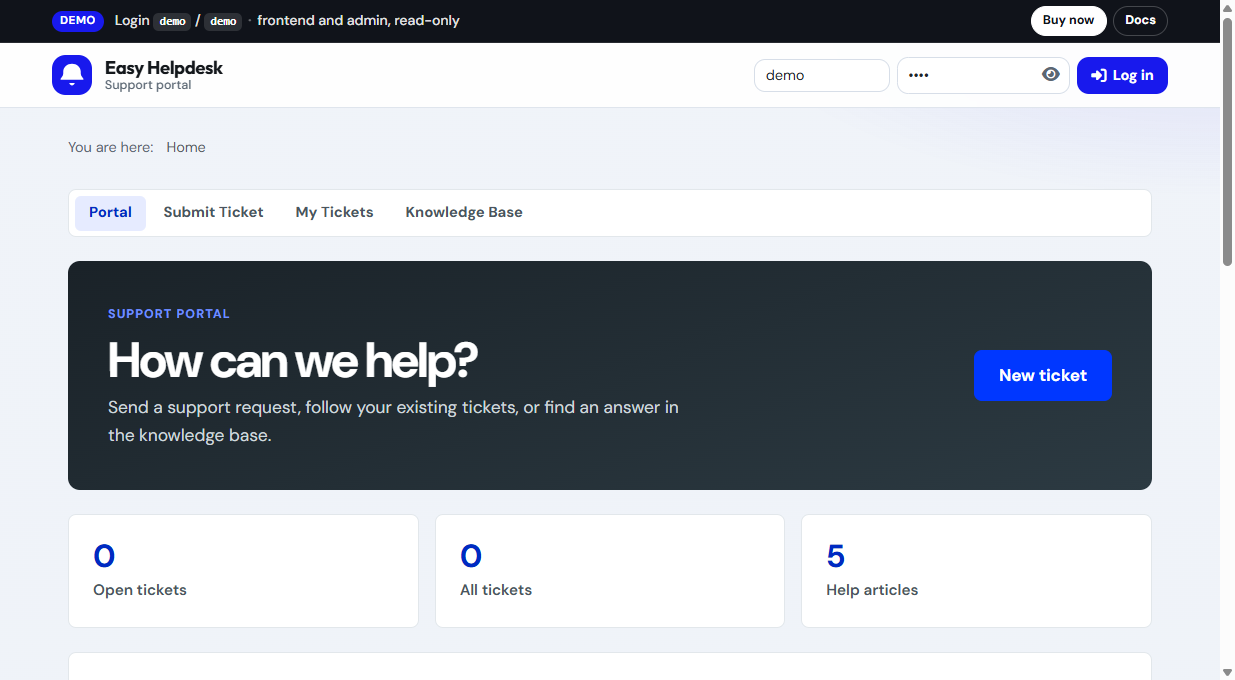
Create menu items under Menus > [Your menu] > New. Choose Easy Helpdesk as the menu item type.
Available layouts
- Portal: support home with stats, popular articles, notification bell, and CTAs
- Submit Ticket: guided ticket form with department, type, priority, custom fields, attachments, CAPTCHA
- My Tickets: signed in list, guest access tabs, find ticket, and passwordless email link
- Knowledge Base: articles, categories, search (when KB enabled)
- Staff console: agent queue and ticket work screen on the site
Setup tips
- Publish Portal and Submit in the main navigation.
- Point My Tickets at the same menu or a customer account menu.
- Restrict Staff console to a menu visible only to agent groups.
- Use SEF URLs and clear cache after adding items.